Mobile app
Free, and built to work before you have a signal.
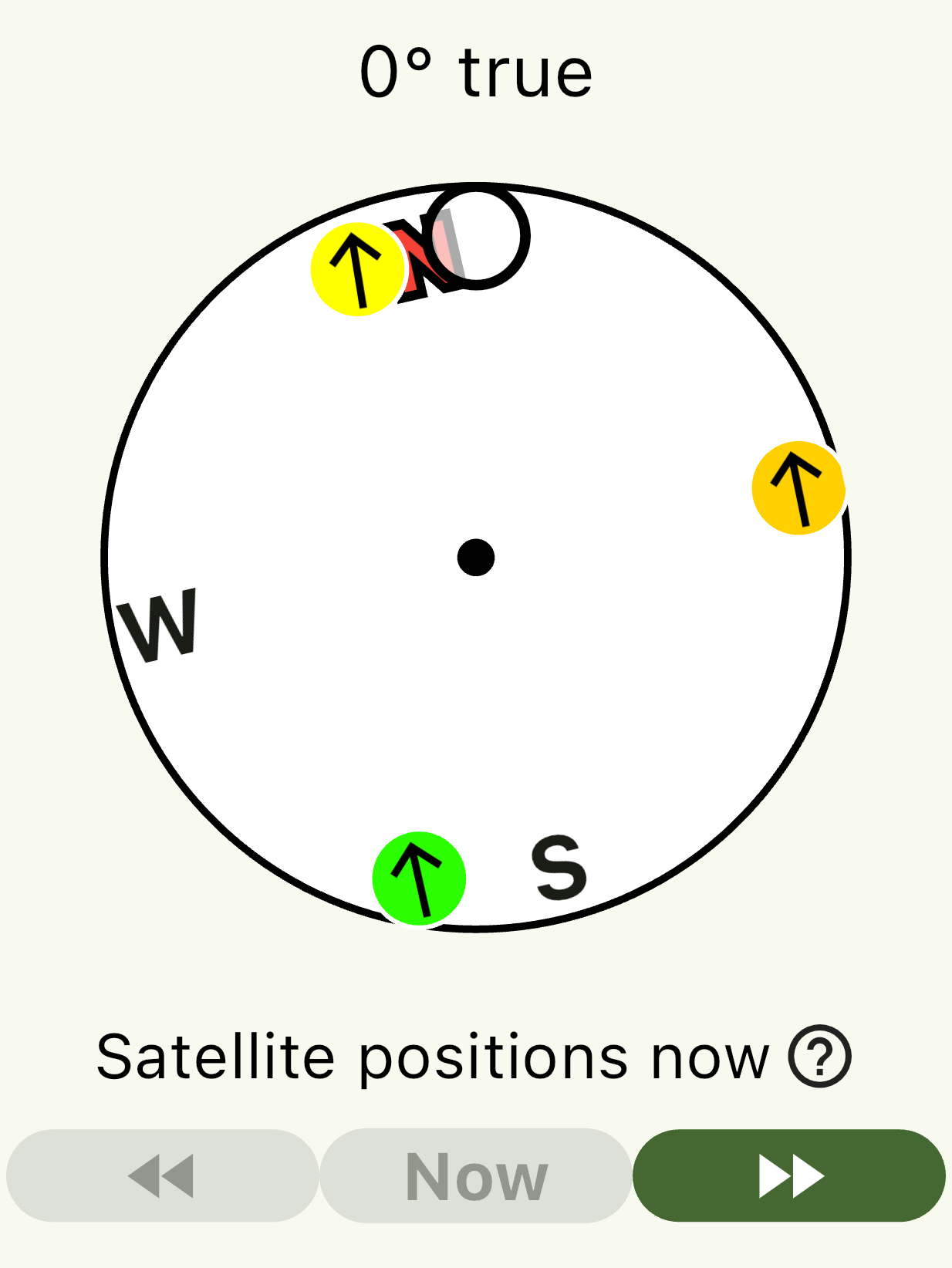
The Aware Outdoors app shows you where the active Iridium satellites are relative to your location, so you can aim your device and send and receive messages more quickly.
Iridium satellites are used by ZOLEO, Garmin inReach, SpotX, Somewear Global Hotspot and Bivy Stick devices to send and receive messages. The satellites are in near-polar orbits, traveling overhead south or north. By design, at least one satellite is above the horizon at all times, anywhere on earth — but that doesn't guarantee a clear signal: plants and terrain around you can still block it.
See satellite positions
Find which direction to look for a satellite right now, or a little later. If one is blocked by a hill, you can walk until the view is clear — or if you're eating lunch in the shade, check when one will come into view.
Command help, built in
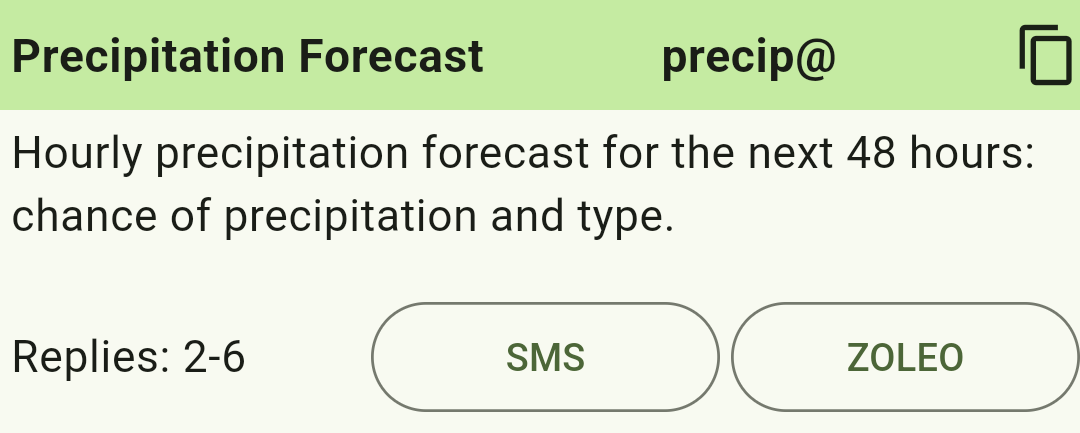
The app keeps offline help for every Aware Outdoors command and for message groups, plus buttons that compose an SMS or ZOLEO message with your current location already filled in.
Replies as rich views, not just text
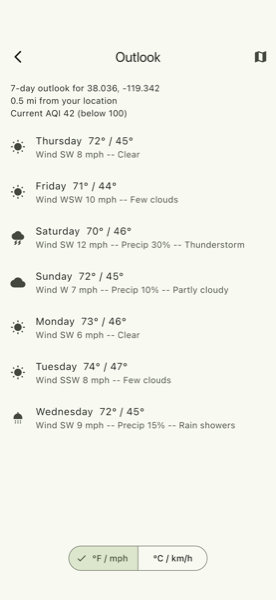
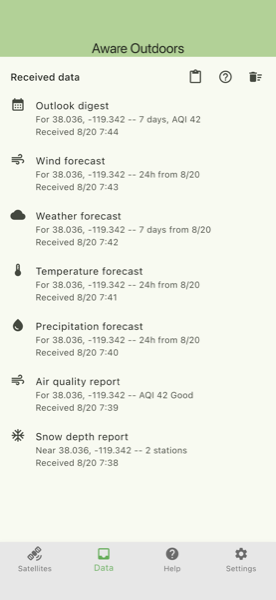
Any reply your device can receive — a wind forecast, an air quality reading, a multi-day outlook — can also arrive as a single tappable link. Open it and the app shows the same data as a chart or table instead of a wall of text, entirely offline: everything the link needs travels inside the link itself, so it works even with no signal at the moment you tap it.
Because a link packs more information into less space than text, switching a device to link-only replies can mean fewer satellite messages for the same command — worth knowing if your plan charges per message.
Each device has three link modes: text only (the default —
nothing changes unless you turn this on), text plus a link, or
link only. Set it on that device's edit page (from
your device list once you've signed in),
or switch anytime from the field by sending
"link mode", "text mode", or
"both mode" along with any command — for
example, a text or email reading wind link mode.
Read the full link mode guide for a step-by-step walkthrough, including the one-time setup step and how to find your replies again later.
Download the free Aware Outdoors mobile app: